OPERATING ENVIRONMENT
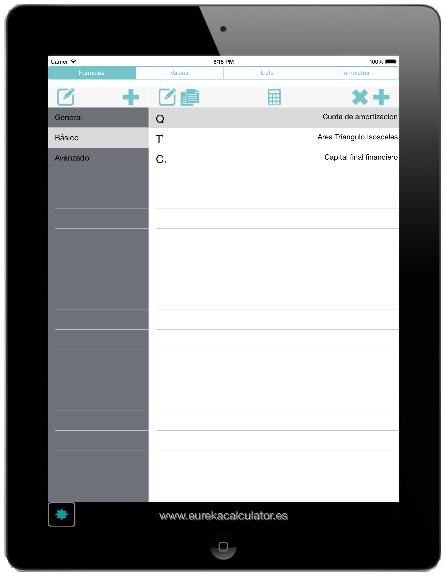
Eureka has two display screens: the screen for handling the repository, and the screen for programming and making calculations.
The first screen displays programming elements, which are stored in the database that makes up the active library: formulae, values, lists and templates.
This screen is divided into categories and elements. The categories are the classification entities defined by the user that enable programming elements to be grouped by topic, so that they are easy to access and manage.
The buttons that point to the formulation options are on the toolbar.
 |
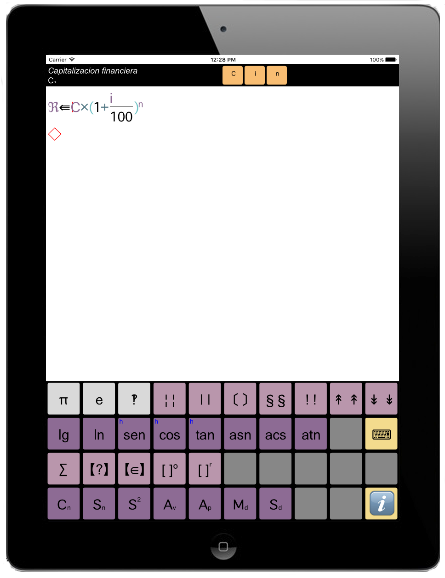 |
| Screen management repository | Screen Programming and calculation |